
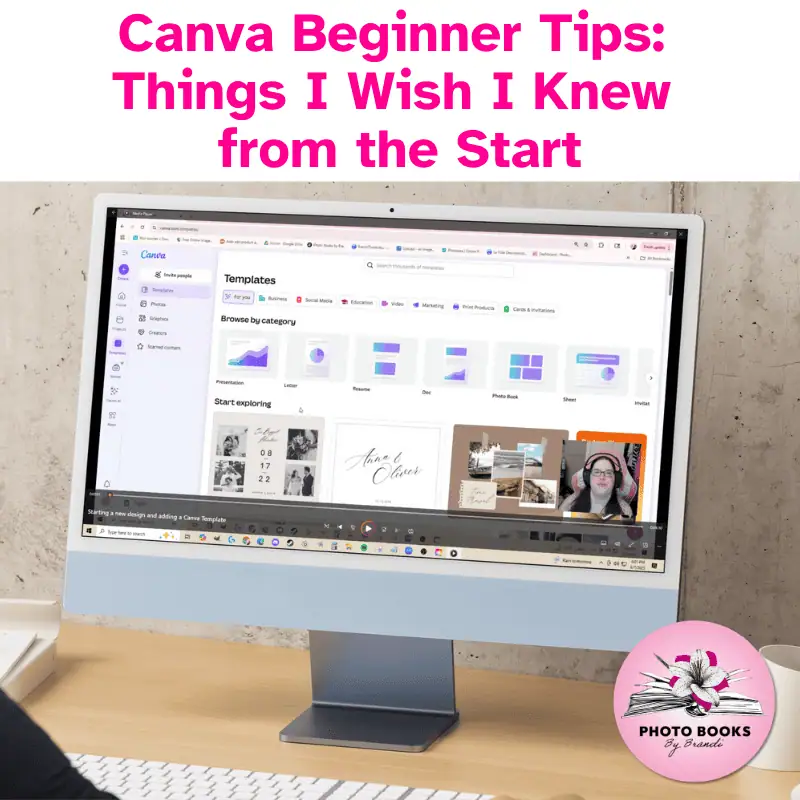
Beginner Canva Tips: Things I Wish I Knew from the Start
$7.00
Learn Canva without the overwhelm—just click, watch, and start creating confidently.
16 Bite Sized Lessons • Just Over 80 Minutes • No Experience Needed
Confused by Canva? This beginner-friendly video course walks you through the essentials—step by step. With 16 bite-sized lessons and an easy-to-navigate menu, you’ll learn exactly what you need to start designing confidently, even if you’re short on time. No Canva Pro required.
✔ Ever open Canva and have no idea where to start?
✔ Feel like you’re just clicking around and hoping for the best?
✔ Wish someone would just walk you through the basics—without the fluff?
That’s exactly why I made this course. It’s the beginner-friendly guide I wish I had when I first started. You’ll learn the essentials in short, easy-to-follow videos so you can finally stop guessing and start creating—on your own terms.

What This Course Is All About
Let’s be real—Canva looks easy… until you’re staring at 1,000 templates and wondering where to even begin.
That’s exactly why I created Beginner Canva Tips: Things I Wish I Knew from the Start—a no-fluff, straight-to-the-point video course for beginners and overwhelmed users alike.
With just over 80 minutes of bite-sized video lessons, you’ll learn how to:
Navigate Canva’s menus with confidence
Use the most important features that actually matter
Stop wasting time guessing and start creating with ease
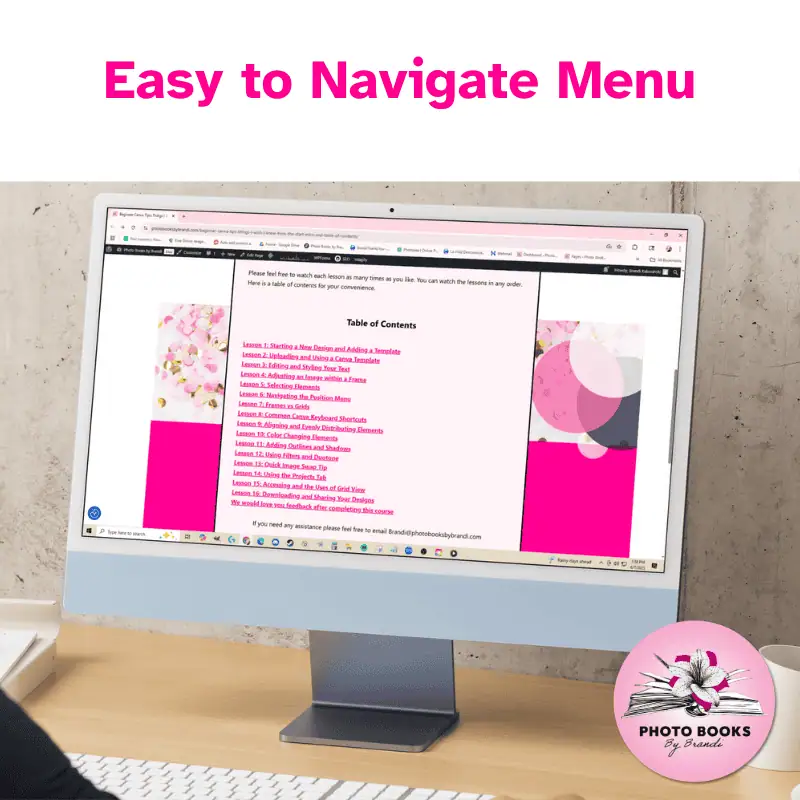
The course includes an easy-to-navigate menu, so you can jump straight to the lesson you need—whether you’ve got 5 minutes or 30. Work through the entire course in one sitting, or break it up into short, manageable chunks over a few days. You set the pace.
What’s Inside the Course
This course includes 16 video lessons ranging from 1 to 10 minutes each. Each lesson is short, specific, and focused on helping you build real Canva skills, step by step.
Here’s a breakdown of what you’ll learn:
Starting a New Design and Adding a Template
Uploading and Using a Canva Template
Editing and Styling Your Text
Adjusting an Image within a Frame
Selecting Elements
Navigating the Position Menu
Frames vs Grids
Common Canva Keyboard Shortcuts
Aligning and Evenly Distributing Elements
Color Changing Elements
Adding Outlines and Shadows
Using Filters and Duotone
Quick Image Swap Tip
Using the Projects Tab
Accessing and the Uses of Grid View
Downloading and Sharing Your Designs
Who This Course Is For
This course is perfect for you if:
You’re brand new to Canva and feeling stuck
You’ve been trying to figure things out on your own with little success
You don’t have time to sit through long, drawn-out tutorials
You want a simple, straightforward way to start designing quickly
You’d love to learn in short bursts—on your schedule, at your pace
Who This Course Is Not For
This course may not be a good fit if:
You already use Canva regularly and feel confident navigating its features
You’re looking for advanced design techniques, animations, or branding workflows
You want tutorials specific to Canva Pro (this course uses the free version)
You’re a graphic designer seeking high-level creative strategy
What You’ll Walk Away With
A clear understanding of Canva’s layout and tools
Confidence in starting and finishing your own designs
A smoother, faster workflow
The ability to create without feeling overwhelmed
Quick-reference access to lessons when you need a refresher
❤️ WHAT IS INCLUDED:
Ready to finally get Canva?
Start the course today and build the confidence you need to create with clarity.
Only logged in customers who have purchased this product may leave a review.


Reviews
There are no reviews yet